Know what's worth finishing. Remember what you already read.
ReadHQ is the Reading Operating System — the Notion system that turns every reading session, highlight, and finished book into one calm dashboard, replacing the Notes app, a Goodreads account you stopped updating, library due-date texts, and the guilt of a to-be-read pile you've stopped looking at. Built for physical books, ebooks, and audiobooks — not just whatever you happen to be holding right now.
Built for: readers with a real backlog across formats and sources — one system for library holds, owned books, and audiobooks, no separate app per format.
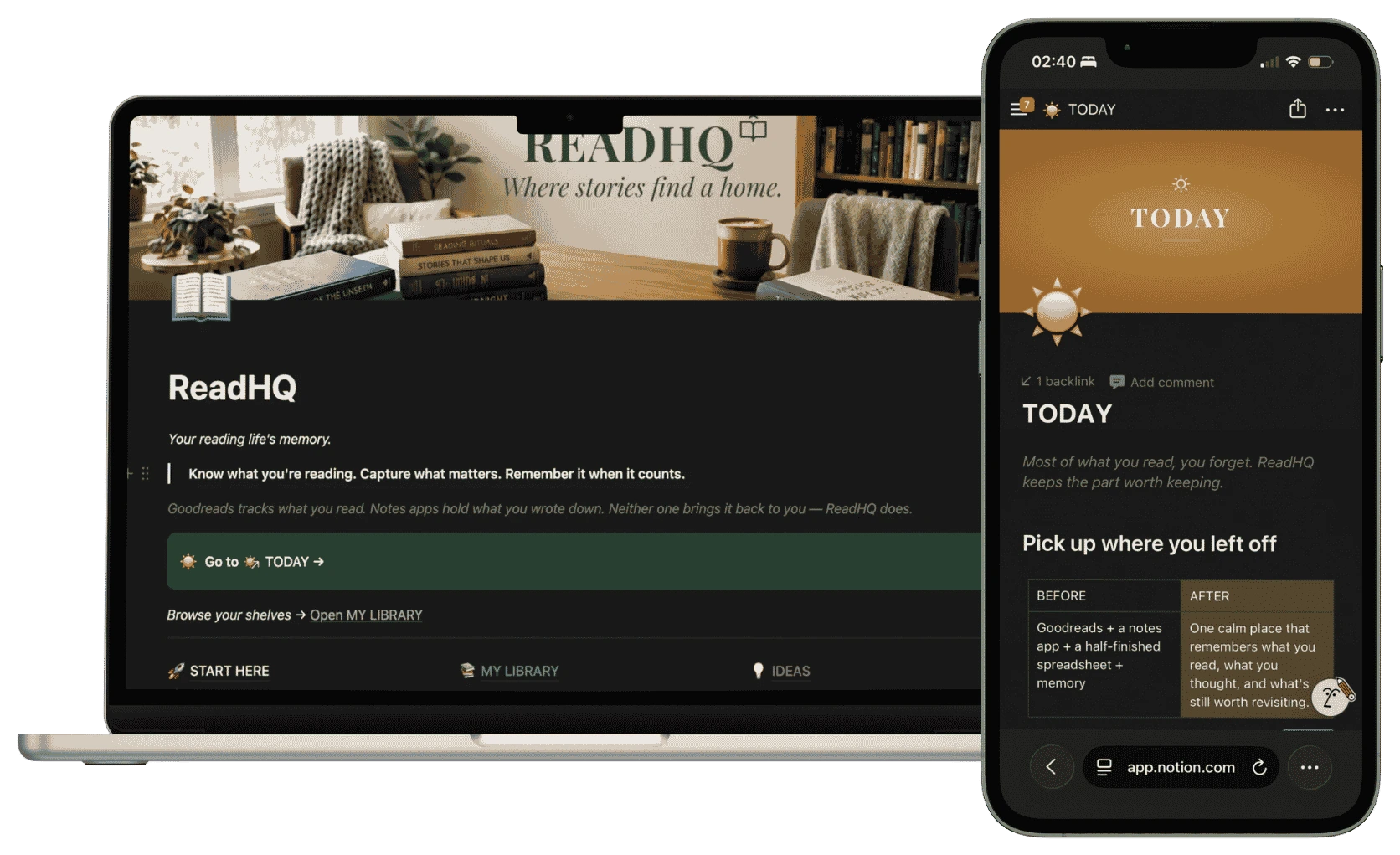
Today — what's due, what you're reading, at a glance. (Screenshot placeholder.)
Ends Sept 30
Takes you to checkout — quick and secure, and you land right back here after.
Building more than one system? Get all 5 HQ templates for $177 instead of $235 separately — see the bundle →
No subscriptions, no locked tiers — the full system, every page, unlocked at $47. Most reading apps charge a recurring fee or bury real tracking behind a paywall; ReadHQ is one payment, once, and it's yours for as long as you're reading.
What you're actually choosing between:
Free, but scattered across a notes app, a bookmark, and a to-be-read pile you've stopped looking at.
A typical reading-tracker subscription — social features you didn't ask for, billed every month, gone the day you stop paying.
Every format, every book, one structured home — yours for good, no recurring charge.
ReadHQ is organized around the way real readers actually think — built so you always know what to pick up today, and what you already finished.
Your daily command center. See what's currently being read, what a review is due on, and what needs a highlight logged — without digging through a database.
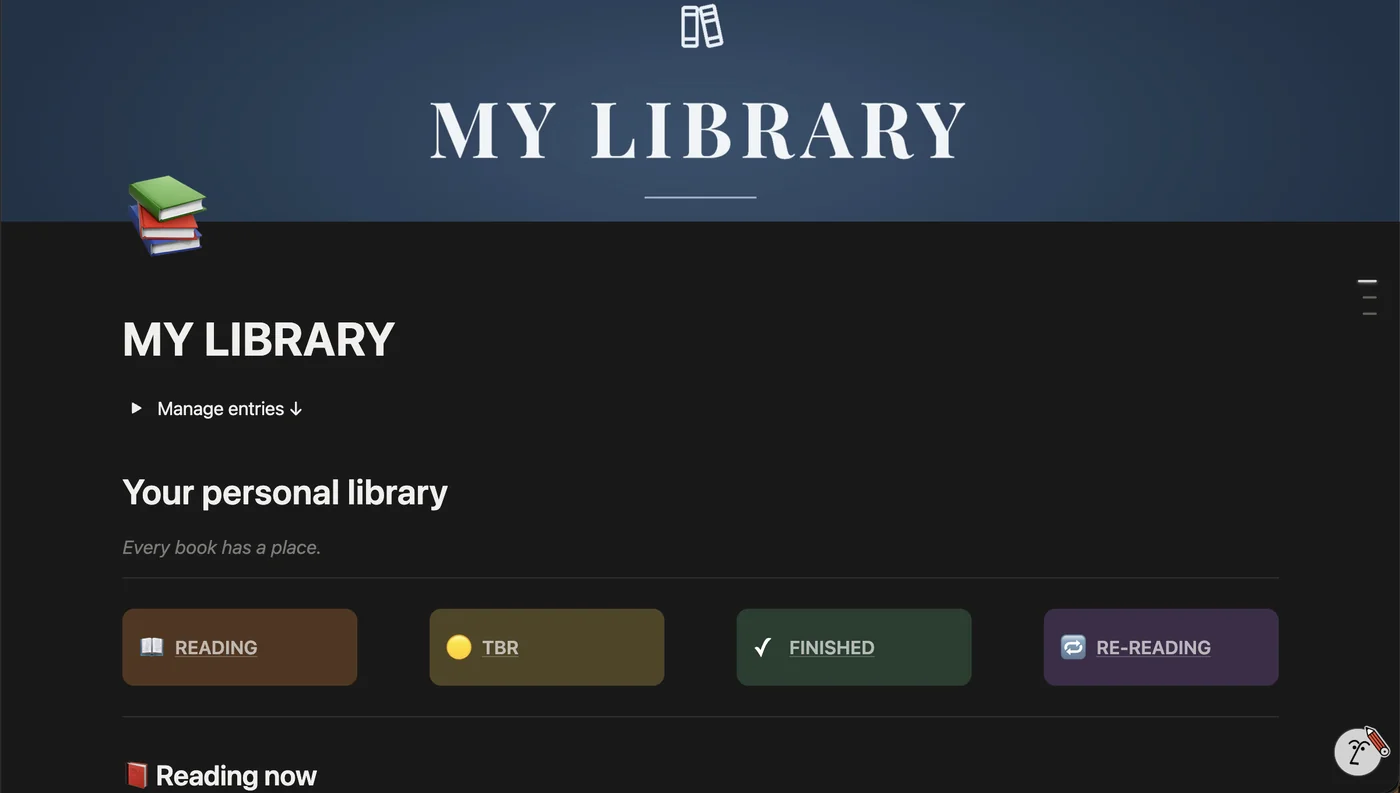
One screen shows the health of your whole reading system — how many books are in each stage, what's overdue, and where to focus next.
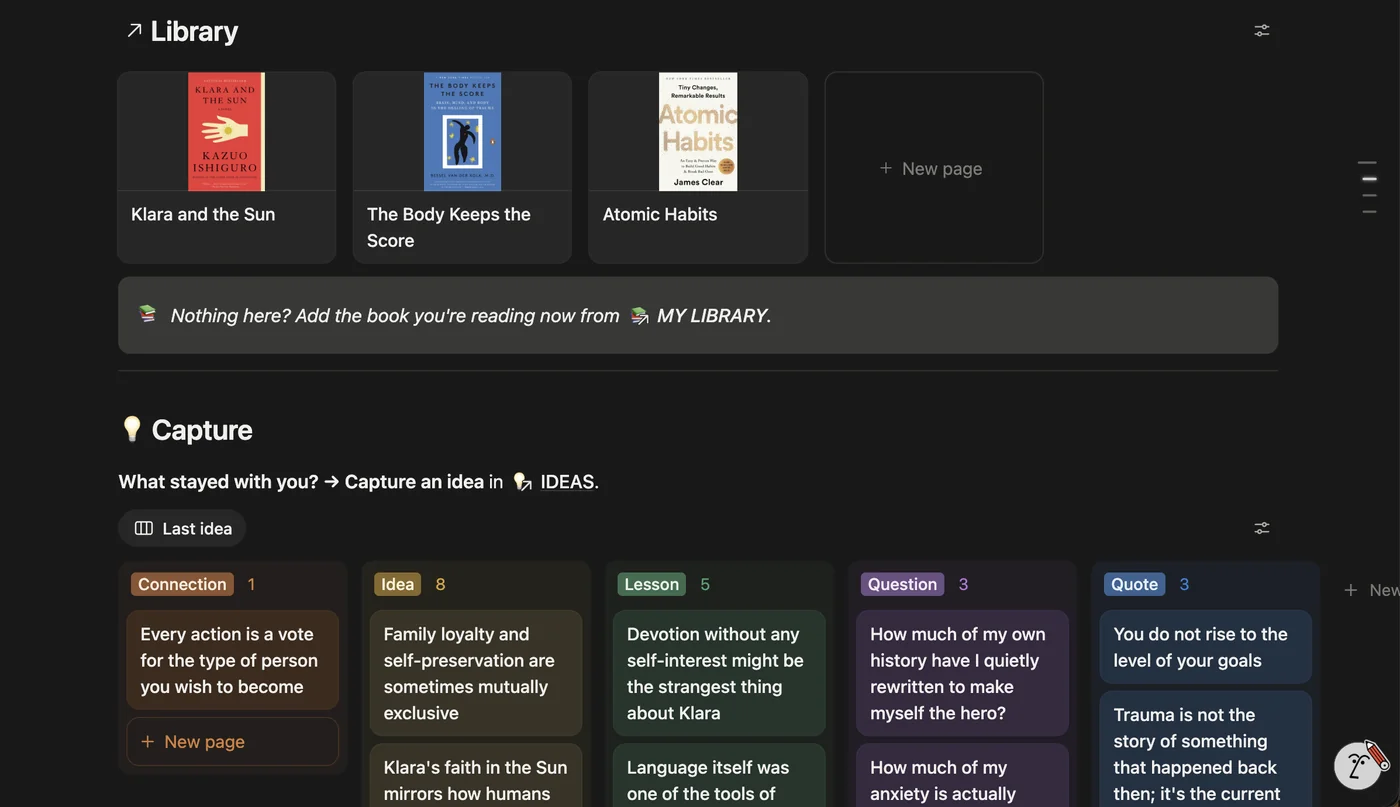
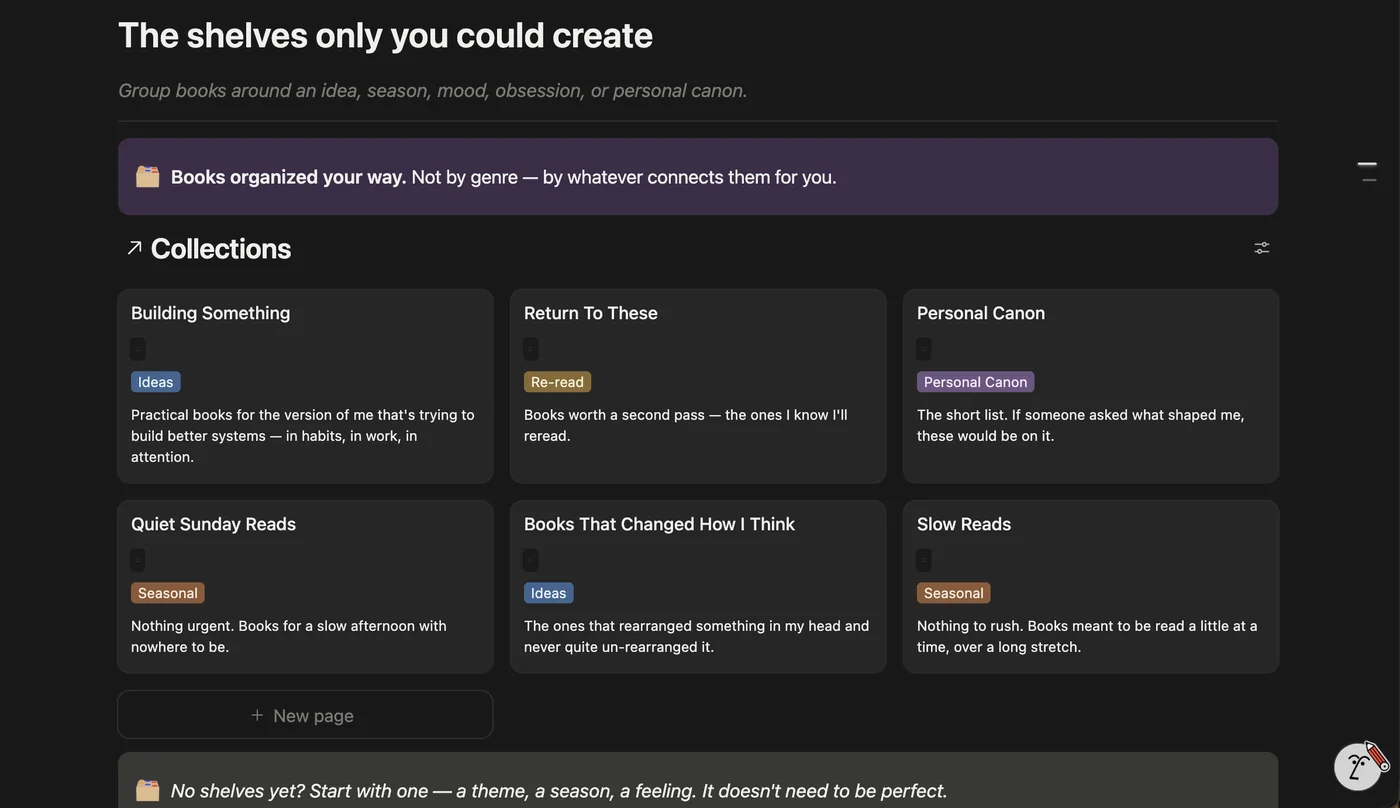
Every book gets its own living page — stage, format, shelf, history, and a built-in reflection template for the moment you finish it.
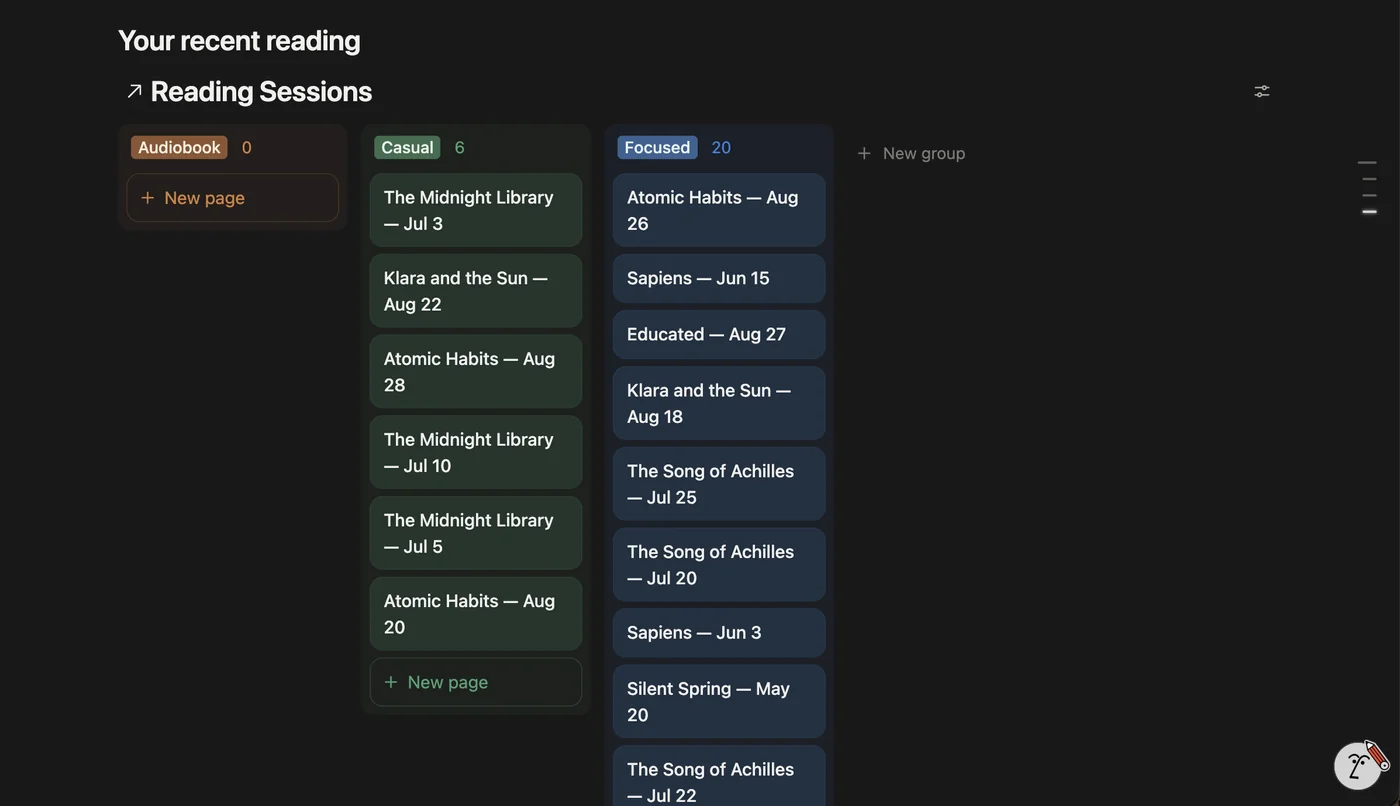
Tracks your current reading season against a fixed calendar view, so you always know where you are — not just what happened last week.
Two optional tools open up when you want more depth — neither is required to get value on day one.
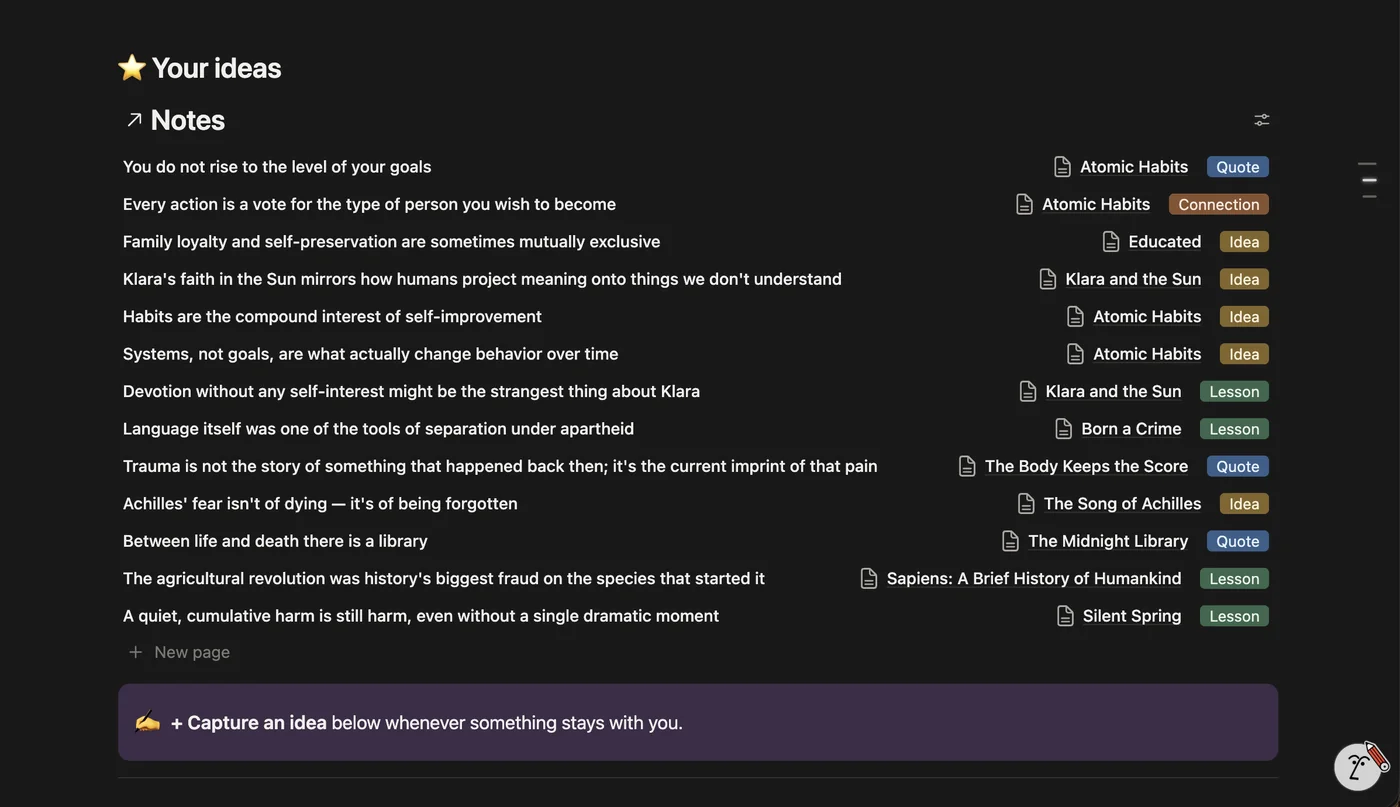
A three-layer log — raw notes, curated highlights, and an end-of-season retro — that turns this reading season's lessons into next season's plan automatically.
Optional extras — reference library, saved links, and archives — kept out of the way of your core loop until you actually want them.
No mockups from a stock kit — this is the real template's layout. Full-resolution screenshots and a walkthrough video are coming soon.
Today. What's due, what you're reading, at a glance. (Placeholder.)
Overview. Every book, grouped by stage, at a glance. (Placeholder.)
Book Registry. Every book, its own living page. (Placeholder.)
This Season. A fixed calendar view of where you are right now. (Placeholder.)
Memory. Notes, highlights, and a season retro. (Placeholder.)
Explore. Reference library and archives, out of your way until needed. (Placeholder.)
Set it up once — five minutes, start to finish — and let the system grow with your reading.
Buy ReadHQ — $47 →30-day defect protection
Building more than one system? Get all 5 HQ templates for $177 instead of $235 separately — see the bundle →
ReadHQ isn't built around the assumption that every book is a physical copy you finish start to end. Format is a first-class field, and library holds and audiobooks get real tracking — something a lot of trackers bolt on as an afterthought.
ReadHQ tracks each book from to-read to finished — no more losing track of what stage something is actually in.
ReadHQ deliberately hides its complexity — you don't need to configure ten databases before you can use it.
Title, author, and format. That's the whole setup.
Record a reading session or a highlight from something you're reading right now — anything.
From here, the system starts building the memory for you. Everything else is optional, added only when and if you need it.
113 reviews from real TrueStack customers.
Yes — add books manually or paste in a list; each gets its own page in the Book Registry with stage, format, and notes.
Yes — Format is a field on every book, so physical, ebook, and audiobook all live in the same system, and library holds get their own due-date tracking so you're not relying on a text from the library app.
No. Onboarding is three steps — add a book, log one session, you're ready — and gets you from blank template to a working dashboard in under five minutes.
You'll get an email with your template link. Open it and click Notion's "Duplicate" button in the top right to add your own copy — then follow the 3-step Setup guide inside. No account, install, or waiting involved.
They live directly on each book's page in the Book Registry and roll into your Memory log, so your best lines and takeaways are searchable in one place, forever.
Probably. The core loop (Today, Overview, Book Registry, This Season) is built for readers with a real, ongoing backlog. If you read casually and don't have a to-be-read pile to manage, a plain notes app will do the job just as well.
Yes, lifetime access for one price — no subscription.
If something's actually broken — a bad link, a missing page, or the template not matching what's shown here — tell us within 30 days and we'll fix it or refund you. Full terms in our Refund Policy.
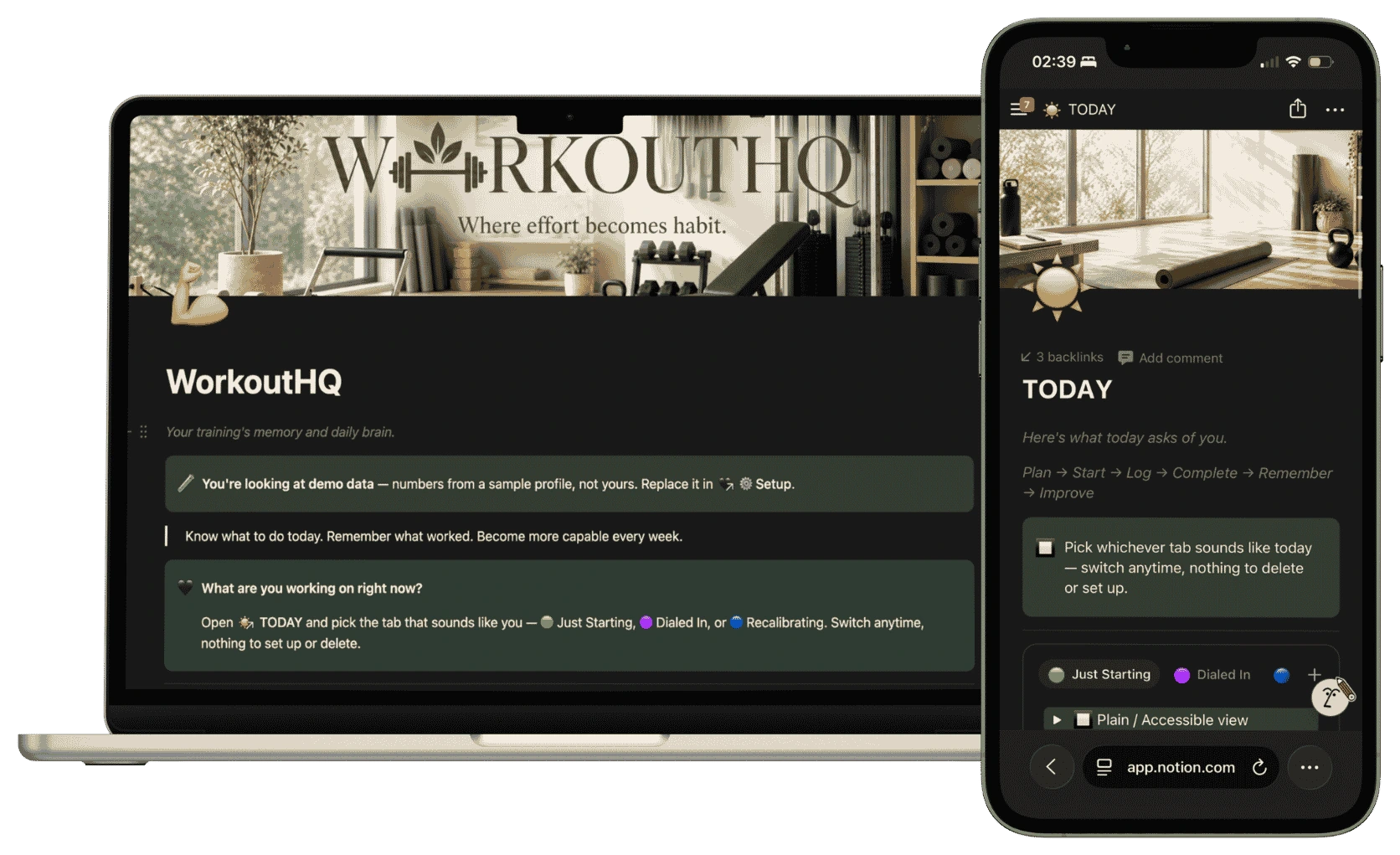
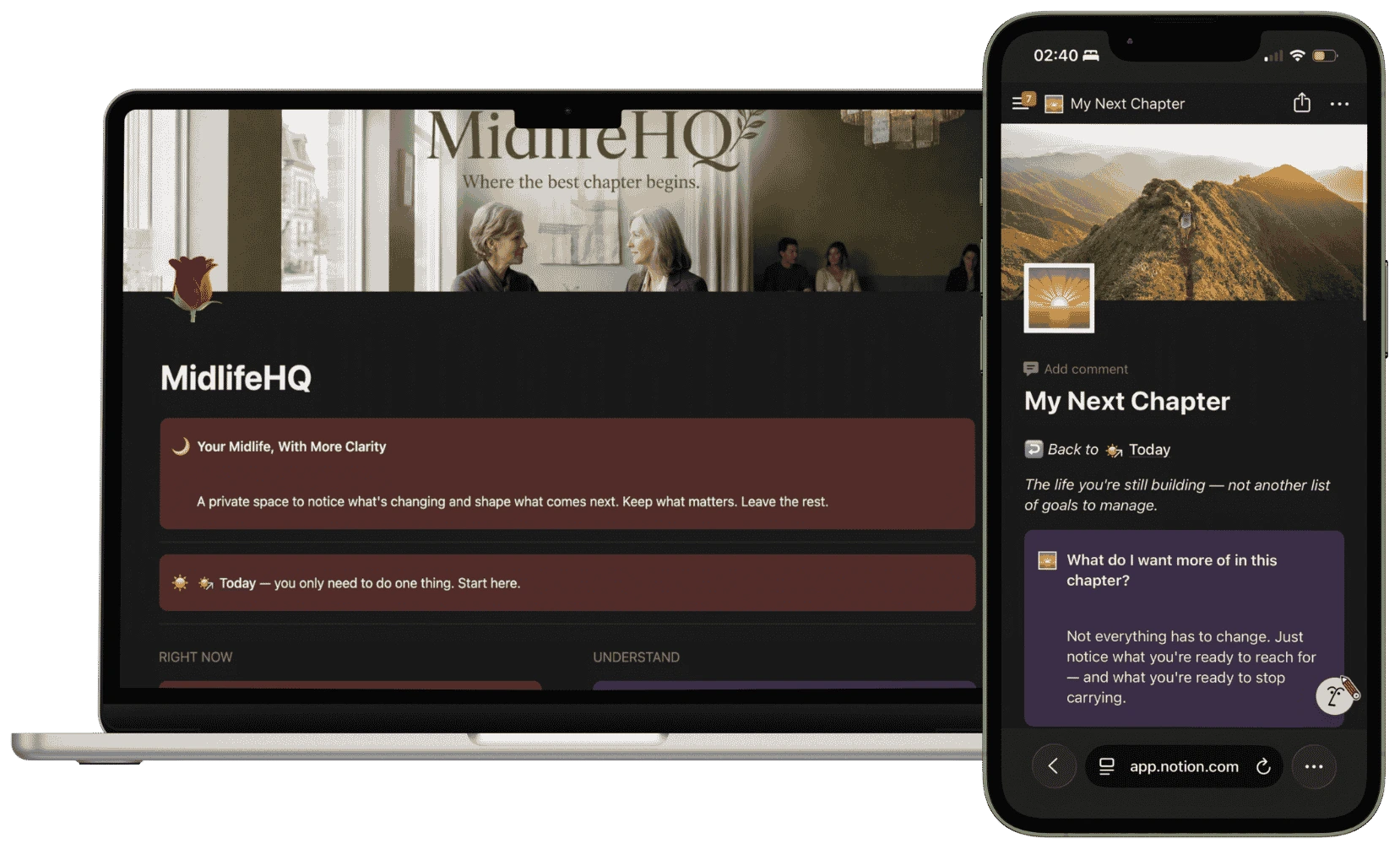
Same system, different focus — not because they're related to this one, but because you might run more than one part of your life this way.
Never lose another plant to a forgotten watering day.
One dashboard for every feeding, vet visit, and walk.
Log every rep. Hit every PR. Finish the block this time.